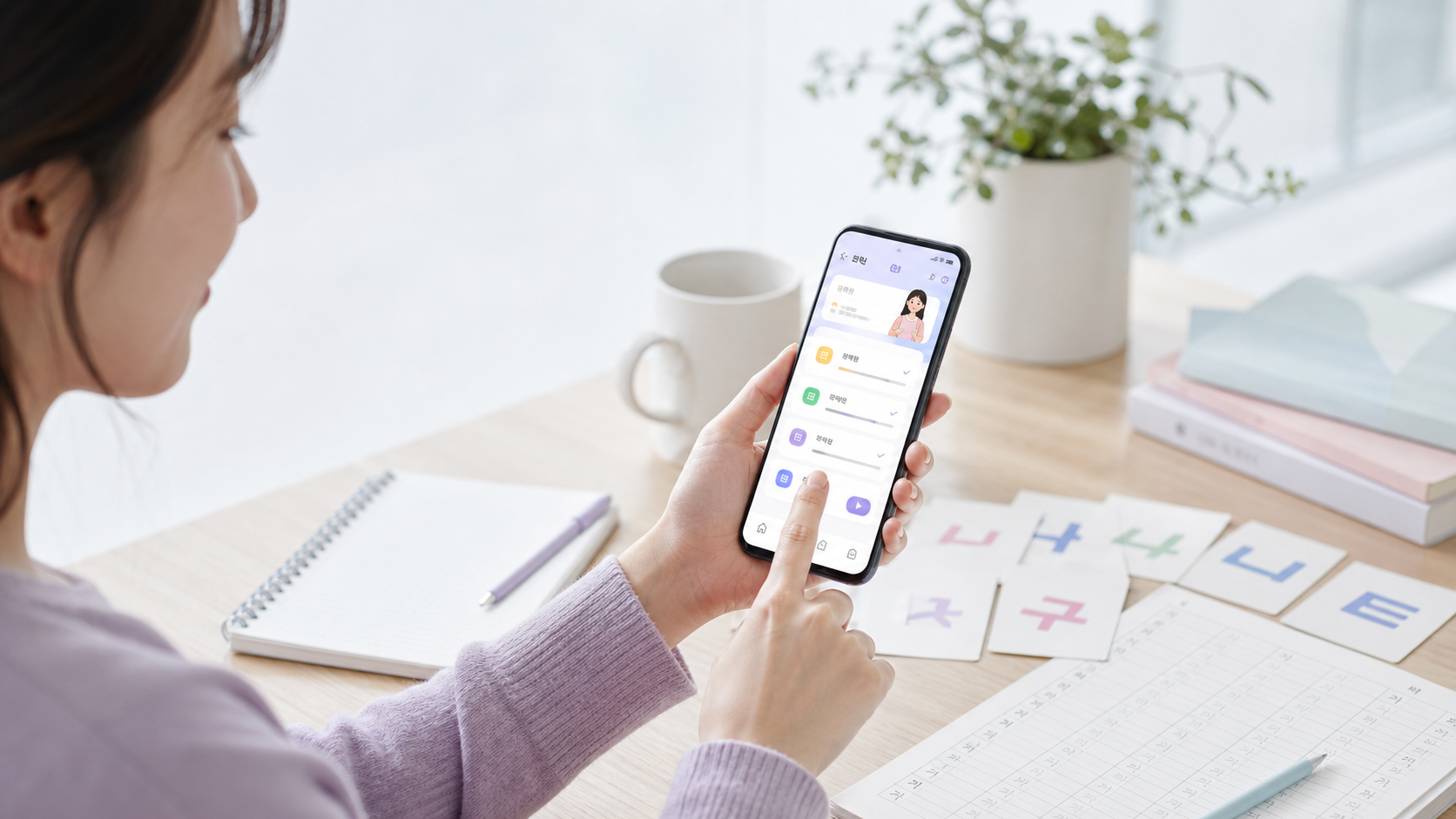
This page is for people who want to test the BSKorean learning app and send practical feedback. A useful tester checks whether Korean words, example sentences, quizzes, level tests, and mobile screens are clear on a real device.
Tester task
What to check
Helpful feedback
Learning flow
Open the app and try a lesson
Which step felt confusing?
Mobile screen
Check buttons and text size
Device model and screenshot area
Learn Korean
Try Korean words and examples
Which word or sentence looked wrong?
Privacy
Do not send passwords or codes
Describe the issue without secrets
Start with the BSKorean app, then try the level test. When reporting a problem, include the page URL, device type, browser, and what you expected to happen.
Good tester notes are specific. Write the exact page, the button you pressed, the message you saw, and whether the issue happened once or every time. Useful reports do not include passwords, login codes, private messages, or screenshots that show someone else’s personal information.
BSKorean app tester guide
BSKorean app tester helps learners practice Korean words in real situations. This BSKorean post keeps the lesson clear, scannable, and connected to app practice.
BSKorean is preparing practical Korean lessons for Android app users. We are recruiting Google Play testers who can install the app, try short learning sessions, and send simple feedback.
한국어 안내
BSKorean 안드로이드 앱 비공개 테스트에 참여할 테스터를 모집합니다. 한국어를 일상생활, 업무, 여행, 공공서비스 상황에서 배우고 싶은 분이면 신청할 수 있습니다.
신청은 william3001v@gmail.com 으로 보내 주세요. 메일에는 Google Play 이메일 주소, 안드로이드 휴대폰 기종, 거주 국가와 주로 쓰는 언어, 연습하고 싶은 한국어 상황을 적어 주세요.
요청된 테스트 과정을 완료하고 사용할 수 있는 피드백을 보내 주신 분에게는 완료 확인 후 계좌이체로 5,000원을 지급합니다. 계좌 정보는 테스트 완료가 확인된 뒤에만 요청합니다.
Who can apply
You use an Android phone with Google Play.
You want to learn Korean for daily life, work, travel, or public services.
You can test short Learn Korean sessions and tell us what was easy or confusing.
How to apply
Send an email to william3001v@gmail.com with the subject BSKorean App Tester Application.
Your Google Play email address
Your Android phone model
Your country and main language
One Korean situation you want to practice
Tester reward
Testers who complete the requested test flow and send usable feedback will receive KRW 5,000 by bank transfer. We will ask for bank account details only after completion is confirmed.
After your email arrives, we will review it and send the next testing instructions. Testers may be asked to install the closed test version, open the app during the test period, and send brief feedback about lessons, Learn Korean, login, and screen layout. Completion means following the requested test steps and submitting usable feedback.
Korean delivery app words helps learners practice Korean words in real situations. This BSKorean post keeps the lesson clear, scannable, and connected to app practice.
Korean delivery app words help you order food without reading every line on the screen. In this lesson, you will follow a five-slide briefing from choosing a menu to checking the delivery address, payment, requests, and arrival time. The goal is simple: recognize the words that change what you tap next.
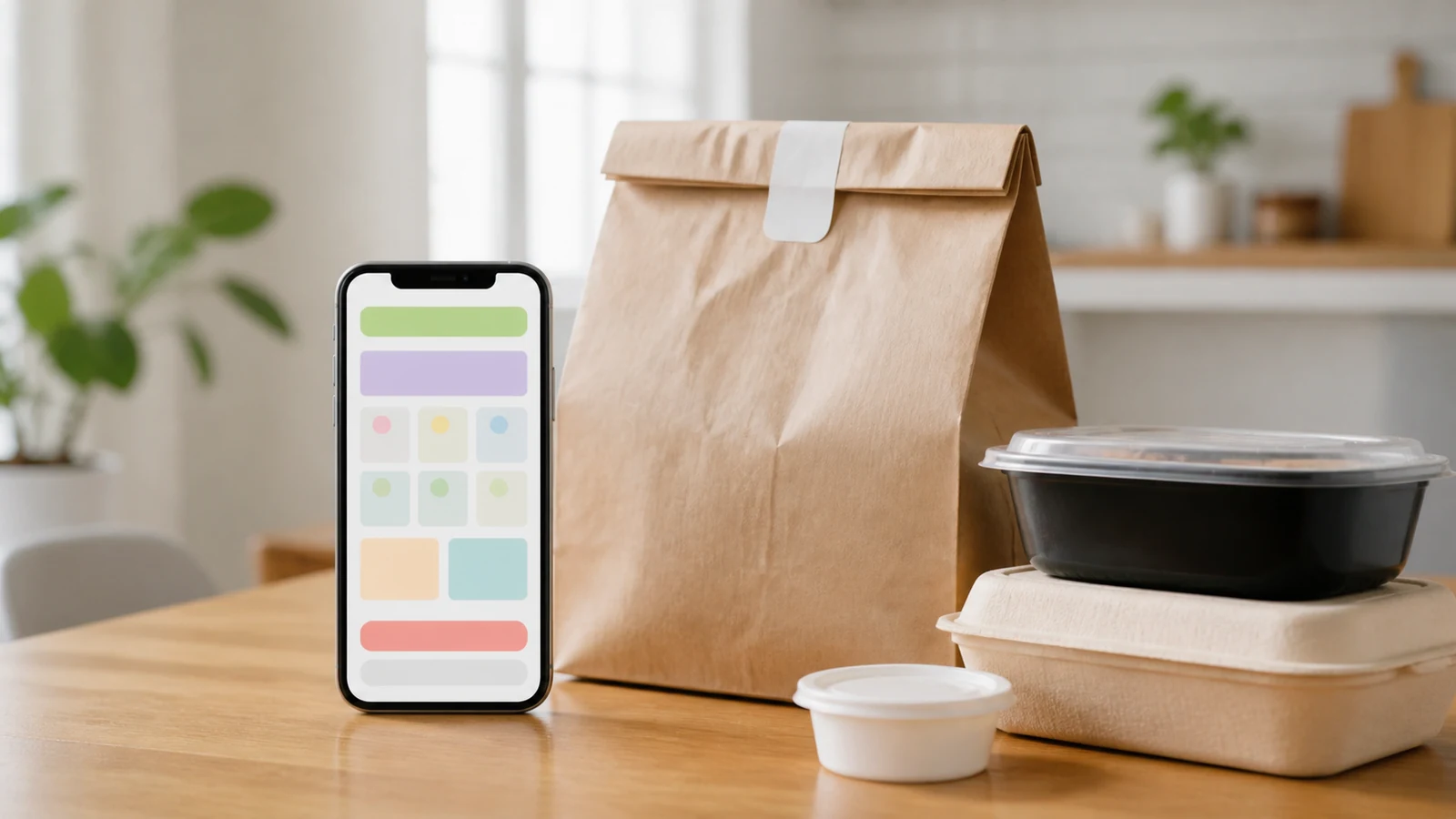
You are at home in Korea, hungry, and using a delivery app. The screen may look busy, but most decisions follow a clear order. First, you choose a restaurant and a menu. Then you check the cart, coupon, delivery address, requests, payment, delivery fee, and arrival time. This slide shows the final moment at the door because that is the whole point of the app flow. You are not studying abstract vocabulary. You are reading enough Korean to make the delivery reach the right place.
For beginners, the safest habit is to read labels by function. If a word changes the food, price, address, or time, pause and check it. If it only describes a promotion or extra detail, you can return to it later.
Slide 2. Key Delivery App Words
This slide turns the app screen into a small map. These Korean delivery app words appear before or after payment, so they are worth learning as one set. Read the table from left to right, then connect each word to the action it controls.
Korean
Romanization
English
Usage
배달
baedal
delivery
Use this as the broad label for food delivery or delivered items.
주문
jumun
order
This marks the order itself, not the food category.
메뉴
menyu
menu
Look for this before choosing a dish or a set.
장바구니
jangbaguni
shopping cart
This is the app basket where selected items wait before payment.
쿠폰
kupon
coupon
Apps often show this near payment, discount, or event banners.
할인
harin
discount
Read this before payment to see whether the price went down.
결제
gyeolje
payment
This is the final payment step, usually after checking the cart.
결제수단
gyeolje sudan
payment method
This asks how you will pay, such as card, app pay, or cash.
배송지
baesongji
delivery address
Check this carefully before paying because it controls where the order goes.
요청사항
yocheong sahang
requests
Use this field for short instructions, such as sauce, utensils, or door delivery.
도착시간
dochak sigan
arrival time
This tells when the order or rider is expected to arrive.
취소요청
chwiso yocheong
cancellation request
This is used when you ask to cancel after an order has been sent.
배송비
baesongbi
delivery fee
This is the extra fee added for delivery or shipping.
배달 is the broad idea of delivery. 주문 is the order you are making. 메뉴 is where the food choice begins. 장바구니 holds the items before you pay. After that, 결제, 결제수단, and 배송지 become important because they affect money and location.
Think of the words in small groups. 메뉴 and 장바구니 belong to the choosing stage. 쿠폰, 할인, 배송비, and 결제 belong to the price stage. 배송지, 요청사항, and 도착시간 belong to the delivery stage. This grouping is useful because Korean apps often move quickly from one screen to the next.
When you see a familiar word, do not tap immediately. First, ask what the word controls. Does it change the food? Does it change the address? Does it change the amount you will pay? This habit protects beginners from the two most common delivery mistakes: paying with the wrong address or accepting a final price they did not check.
Slide 3. Reading Formulas
Delivery apps often use short labels instead of full sentences. That is helpful for learners. A label tells you what kind of information follows. For example, 메뉴 선택 means menu selection. 쿠폰 적용 means coupon application. 결제수단 선택 asks you to choose a payment method. The pattern is usually noun plus action.
Formula 1: item + 선택
When you see 선택, the app wants you to choose something. It may be a menu, option, address, or payment method.
Formula 2: coupon or discount + 적용
적용 means apply. In delivery apps, it often appears with 쿠폰 or 할인.
Formula 3: delivery + time or fee
도착시간 and 배송비 both change your decision. One affects when you eat. The other affects the final price.
Many labels also combine a noun with a short action word. 확인 means check or confirm. 입력 means enter. 변경 means change. Even if those action words are not in today’s main table, you will often see them next to the selected vocabulary. For example, 배송지 확인 asks you to check the delivery address. 요청사항 입력 asks you to enter a request.
For learners, this formula style is good news. You do not need to read a long Korean sentence to understand the task. Find the main noun first, then read the action after it. If the noun is 결제수단, the app is about payment. If the noun is 도착시간, the app is about timing.
Slide 4. Read Delivery App in 3 Steps
Use this slide when the screen feels crowded. Step one is the food decision. Read 메뉴, then move the item into 장바구니. Do not rush to payment before checking the quantity and options. Step two is the delivery decision. Confirm 배송지, add 요청사항 if needed, and look at 도착시간. Step three is the money decision. Look for 쿠폰, 할인, 배송비, 결제수단, and finally 결제.
This order reduces mistakes because it follows the real order process. Food first, place and time second, money last. If you only memorize words, the screen still feels noisy. If you read by step, the app becomes manageable.
The three-step method also works when the app updates after payment. Once the order is accepted, you will no longer focus on 메뉴 or 장바구니. Your attention moves to 도착시간, delivery status, and possible messages from the rider or restaurant. If something is wrong, read carefully before tapping 취소요청. A request is not the same as a confirmed cancellation.
If you are ordering at night or from a new address, slow down at the delivery detail step. Apartment names, building numbers, and room numbers matter in Korea. A correct 배송지 saves more time than any coupon.
Slide 5. Mistakes and Practice
The first common mistake is confusing 배송지 with your current location. The app may save an old address, so always check it before payment. The second mistake is ignoring 배송비. The food price and final price can differ after fees. The third mistake is writing long requests in 요청사항. Keep requests short and practical.
Also, remember that 취소요청 is only a request. It does not always mean the order has already been cancelled. If the restaurant already accepted the order, cancellation may not work. Read the next message carefully before ordering again.
A quieter mistake is missing the difference between a menu price and the final payment price. Delivery apps may add 배송비 after the food is already in the cart. They may also remove a 할인 if the order does not meet a condition. Before you tap the final 결제 button, pause and scan the price area one more time.
For 요청사항, short messages are safer. “No utensils,” “leave at door,” or “less spicy” are the kinds of requests that work well. Long explanations can be misunderstood. If the request is important, use simple wording and check whether the restaurant accepts it.
Practice
Answer these quickly. 1. If you see 결제수단, what should you choose? 2. If you see 배송지, what should you check? 3. If you see 쿠폰 적용, what action is the app offering?
Mini scenario: You order dinner, but the final price is higher than expected. Check 배송비 first. Then check whether a 쿠폰 or 할인 was applied. Answer key: 1. A payment method. 2. The delivery address. 3. Applying a coupon.
Try one more screen-reading routine. Before payment, say the steps in English: food, address, request, price, payment. Then point to the Korean labels that match those steps. This keeps the practice practical and fast.
Mini Review Table
If you see…
It usually means…
What to do
메뉴 / 장바구니
You are choosing food.
Check the item and quantity.
배송지 / 요청사항
The app needs delivery details.
Confirm address and short instructions.
쿠폰 / 할인
A price reduction may be available.
Apply it before payment.
결제 / 결제수단
You are at the payment step.
Choose how to pay and confirm.
도착시간 / 취소요청
The order is moving or changing.
Check the status before tapping again.
Final Takeaway
Korean delivery app words are easiest when you read them as a flow. Choose the food, check the cart, confirm the address, apply discounts, pay, then watch the arrival time. You do not need perfect Korean to order safely. You need to recognize the labels that control food, place, money, and time.
Korean weather app words helps learners practice Korean words in real situations. This BSKorean post keeps the lesson clear, scannable, and connected to app practice.
Korean weather app words help you check the day before you leave home in Korea. A weather screen may look crowded, but most of the useful information comes from a few repeated labels. In this briefing, you will read forecast words, temperature labels, rain words, humidity, fine dust, and the practical umbrella signal. The goal is simple: check the screen, understand the risk, and decide what to carry.
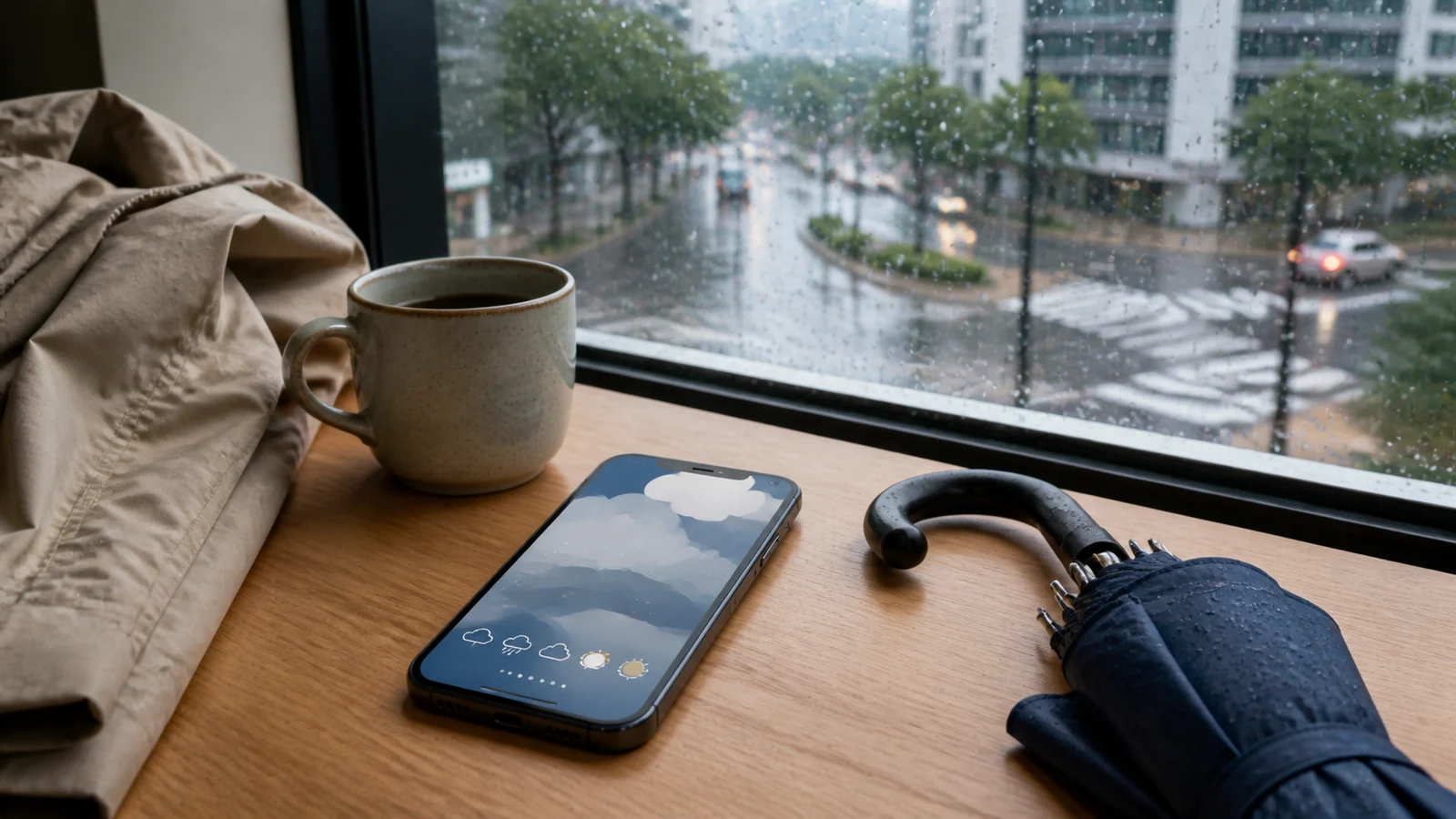
Slide 1 introduces Korean weather app words before leaving home.
Slide 1. The Situation
You are about to leave an apartment lobby in Korea. Outside, the pavement is wet, the sky is gray, and people are moving carefully. Before you step out, you check a weather app. You do not need to understand every line. First, find the main weather word, then the temperature, then the rain or air quality signal.
This is why the lesson starts with a photo briefing. The image shows a real daily decision, not a grammar exercise. A learner checks the phone before choosing a jacket, mask, or umbrella. In Korea, the weather screen often affects small choices: whether to walk, take a bus, carry an umbrella, or avoid outdoor time when fine dust is bad.
Think of the screen as a checklist. The top area usually gives the general condition. The middle area often gives numbers, such as temperature or rainfall. Lower sections may show air quality, hourly changes, or warnings. If you read the labels in this order, the screen becomes much less stressful.
Slide 2. Key Weather App Words
The key words below come from the Bs3001 Wordbook database. Learn them as screen labels first. Many weather apps show a short Korean word beside a number, icon, or warning color.
Korean
Romanization
English
Usage
날씨
nalssi
weather
Main word for weather screens and daily talk.
일기예보
ilgiyebo
weather forecast
Use this for future weather information.
기상정보
gisang jeongbo
weather information
Formal label for weather data or notices.
기온
gion
air temperature
Temperature of the outside air.
최고기온
choego gion
highest temperature
The warmest expected temperature.
최저기온
choejeo gion
lowest temperature
The coldest expected temperature.
강수량
gangsuryang
rainfall amount
How much rain is expected or recorded.
습도
seupdo
humidity
How humid the air feels.
미세먼지
mise meonji
fine dust
Air quality word often shown in Korea.
비
bi
rain
Simple rain word for icons and forecasts.
소나기
sonagi
shower
A short sudden rain shower.
우산
usan
umbrella
The practical item to carry when rain is likely.
Notice the order. The first three words tell you what kind of screen you are reading. The next three words show the temperature range. The last six words help you decide what to do outside. This is more useful than memorizing a long list without a situation.
When you study the table, say the Korean word first, then the English meaning. Do not start with a full sentence yet. A weather app usually gives you short signals, not conversation. For example, 기온 plus a number is enough to understand the temperature. 비 plus an afternoon time is enough to prepare for rain later.
The words also group naturally. 날씨, 일기예보, and 기상정보 tell you the type of information. 기온, 최고기온, and 최저기온 tell you the temperature range. 비, 소나기, and 강수량 tell you how rain may affect your movement.
Slide 3. Reading Formulas
Weather app Korean often works like a formula. You see a label, then a number, level, or short result. For example, 현재 기온 means current air temperature. If you see 18도 beside it, you can read the key idea without building a full sentence.
최고기온 and 최저기온 are also label words. They show the daily high and low. This matters because the current temperature may not tell the whole story. A morning can be cool, but the day may become warm. A night can become much colder than the afternoon.
For rain, focus on 비, 소나기, and 강수량. 비 is the simple rain word. 소나기 warns you about a sudden shower. 강수량 gives more detail about the amount of rain. Then check 습도 and 미세먼지. They affect comfort and outdoor plans, even when it is not raining.
Be careful with English habits. Some learners see one weather icon and skip the Korean label. That works only until the icon is unclear. Korean labels give the precise clue. A cloud icon may feel simple, but 소나기, 강수량, and 미세먼지 each change your plan in a different way.
Slide 4. Read Weather App in 3 Steps
Use a three-step routine when the screen feels busy. First, check 기온, 최고기온, and 최저기온. These words help you choose clothes. If the high and low are far apart, prepare for a change during the day.
Second, look for rain words. If you see 비, expect rain. If you see 소나기, do not assume the whole day will be wet. It may be short, but it can still catch you outside. If 강수량 looks high, the rain may be heavier or longer.
Third, check 미세먼지 and decide 우산. Fine dust is not weather in the same way as rain, but it is part of daily life in Korea. If the fine dust level is bad, many people reduce outdoor time. If rain or showers appear, carry an umbrella before leaving.
This three-step method is useful because it turns reading into action. You are not studying the whole app. You are answering three practical questions. How warm or cold will it be? Will rain interrupt my route? Is the air quality good enough for outdoor time? Once you answer those questions, the Korean screen has done its job.
Slide 5. Mistakes and Practice
One common mistake is reading 기온 as body temperature. In a weather app, it means air temperature. Body temperature is 체온, which belongs in a medical situation. Another mistake is checking only the current number and ignoring 최저기온. That can be a problem if you return home late.
Do not treat 소나기 exactly like ordinary rain. A shower may be brief, but it can arrive suddenly. Also, do not ignore 미세먼지. A clear sky does not always mean clean air. The safest habit is to read the label first, then connect it to one action: jacket, umbrella, mask, or indoor plan.
Another small mistake is reading 우산 only as a word in a store. In this lesson, it is the action result of the weather check. If the app shows 비 or 소나기, the next question is simple: do you need 우산 today? This keeps the vocabulary tied to real movement.
Practice
Try these quick recognition questions before looking at the answers.
If you see 최고기온, are you checking the warmest or coldest point of the day?
If the app says 소나기, should you expect a long rainy season or a sudden shower?
If 미세먼지 is bad, is the main issue rain or air quality?
Mini scenario: You leave home at 8 a.m. The app shows 최저기온 in the morning, 소나기 in the evening, and bad 미세먼지. A smart choice is to wear layers, carry 우산, and reduce unnecessary outdoor time.
Answer key: 최고기온 is the warmest point. 소나기 means a sudden shower. 미세먼지 is an air quality issue.
Mini Review Table
If you see…
It usually means…
What to do
기온 / 최고기온 / 최저기온
The app is showing temperature range.
Choose clothes for the whole day.
비 / 소나기 / 강수량
The app is warning about rain.
Carry 우산 or adjust travel plans.
습도
The air may feel sticky or heavy.
Expect discomfort in warm weather.
미세먼지
The air quality may be poor.
Reduce outdoor time if needed.
Final Takeaway
Korean weather app words become easier when you read them as decision labels. Start with 날씨 or 일기예보. Check 기온, 최고기온, and 최저기온. Then look for 비, 소나기, 강수량, 습도, and 미세먼지. Finally, decide whether you need 우산 before you leave home.