
Briefing Summary
Korean delivery app words help you order food without reading every line on the screen. In this lesson, you will follow a five-slide briefing from choosing a menu to checking the delivery address, payment, requests, and arrival time. The goal is simple: recognize the words that change what you tap next.
Download the complete Korean delivery app words PPT briefing
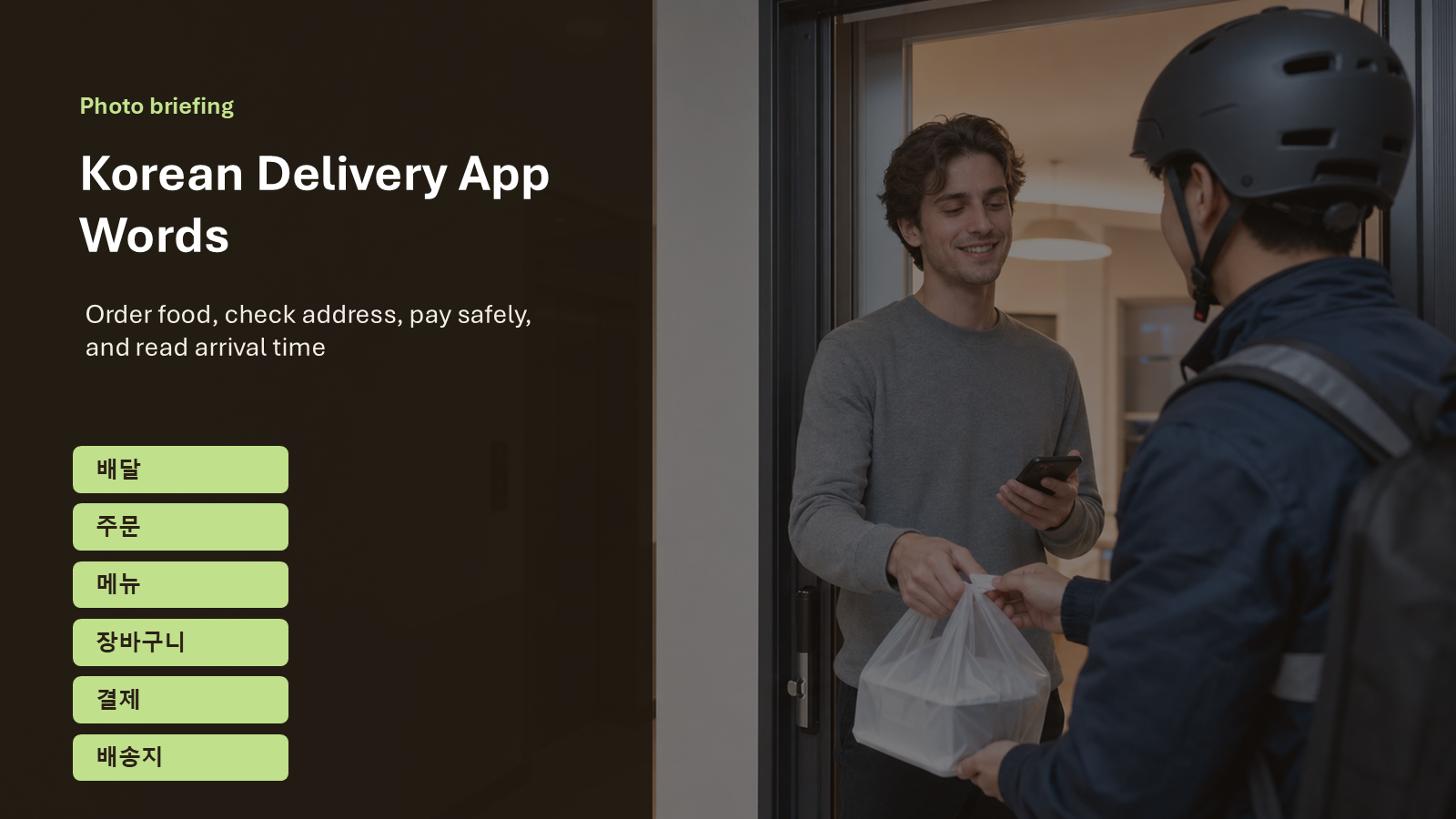
Slide 1. The Situation
You are at home in Korea, hungry, and using a delivery app. The screen may look busy, but most decisions follow a clear order. First, you choose a restaurant and a menu. Then you check the cart, coupon, delivery address, requests, payment, delivery fee, and arrival time. This slide shows the final moment at the door because that is the whole point of the app flow. You are not studying abstract vocabulary. You are reading enough Korean to make the delivery reach the right place.
For beginners, the safest habit is to read labels by function. If a word changes the food, price, address, or time, pause and check it. If it only describes a promotion or extra detail, you can return to it later.
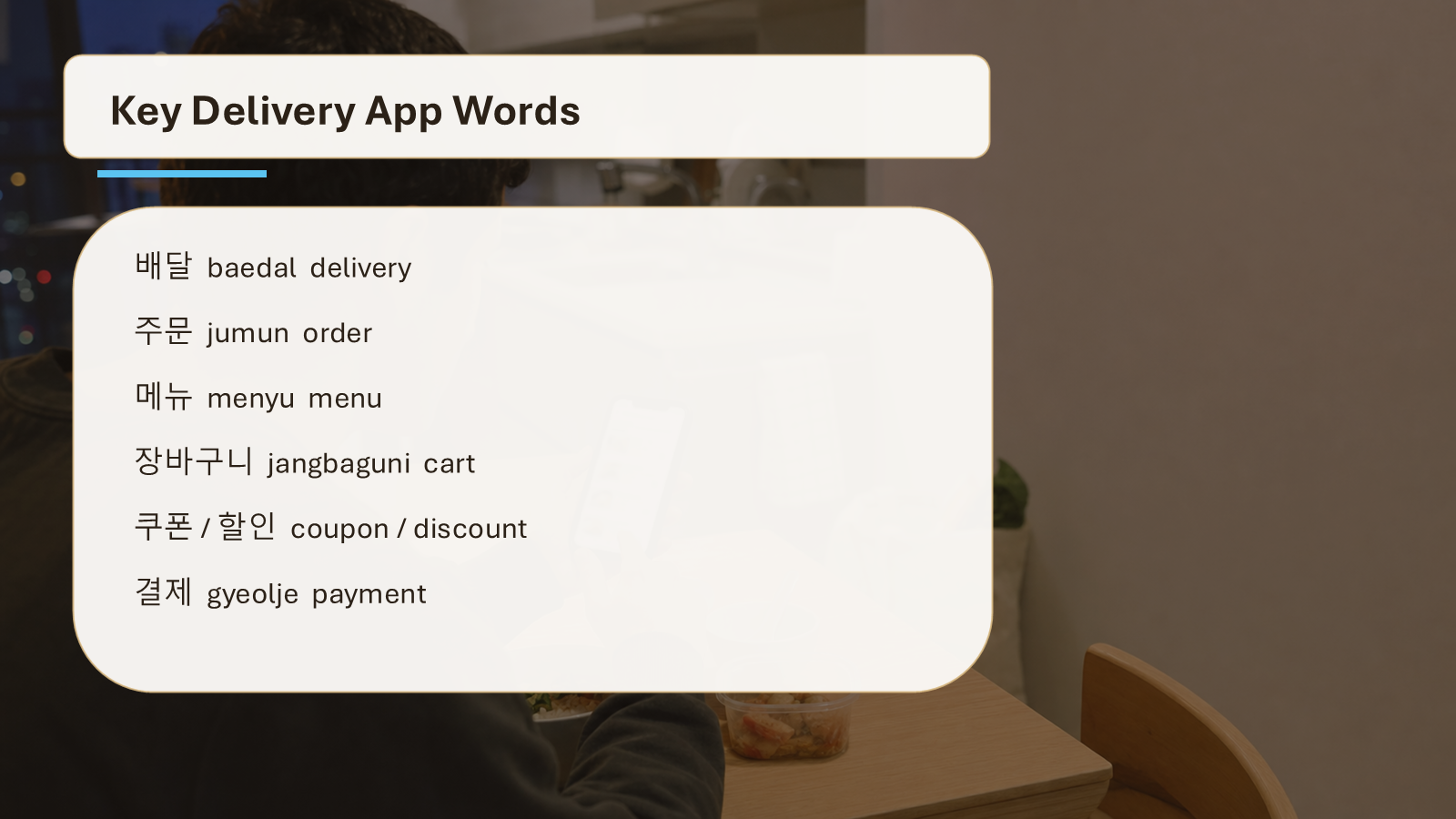
Slide 2. Key Delivery App Words
This slide turns the app screen into a small map. These Korean delivery app words appear before or after payment, so they are worth learning as one set. Read the table from left to right, then connect each word to the action it controls.
| Korean | Romanization | English | Usage |
|---|---|---|---|
| 배달 | baedal | delivery | Use this as the broad label for food delivery or delivered items. |
| 주문 | jumun | order | This marks the order itself, not the food category. |
| 메뉴 | menyu | menu | Look for this before choosing a dish or a set. |
| 장바구니 | jangbaguni | shopping cart | This is the app basket where selected items wait before payment. |
| 쿠폰 | kupon | coupon | Apps often show this near payment, discount, or event banners. |
| 할인 | harin | discount | Read this before payment to see whether the price went down. |
| 결제 | gyeolje | payment | This is the final payment step, usually after checking the cart. |
| 결제수단 | gyeolje sudan | payment method | This asks how you will pay, such as card, app pay, or cash. |
| 배송지 | baesongji | delivery address | Check this carefully before paying because it controls where the order goes. |
| 요청사항 | yocheong sahang | requests | Use this field for short instructions, such as sauce, utensils, or door delivery. |
| 도착시간 | dochak sigan | arrival time | This tells when the order or rider is expected to arrive. |
| 취소요청 | chwiso yocheong | cancellation request | This is used when you ask to cancel after an order has been sent. |
| 배송비 | baesongbi | delivery fee | This is the extra fee added for delivery or shipping. |
배달 is the broad idea of delivery. 주문 is the order you are making. 메뉴 is where the food choice begins. 장바구니 holds the items before you pay. After that, 결제, 결제수단, and 배송지 become important because they affect money and location.
Think of the words in small groups. 메뉴 and 장바구니 belong to the choosing stage. 쿠폰, 할인, 배송비, and 결제 belong to the price stage. 배송지, 요청사항, and 도착시간 belong to the delivery stage. This grouping is useful because Korean apps often move quickly from one screen to the next.
When you see a familiar word, do not tap immediately. First, ask what the word controls. Does it change the food? Does it change the address? Does it change the amount you will pay? This habit protects beginners from the two most common delivery mistakes: paying with the wrong address or accepting a final price they did not check.
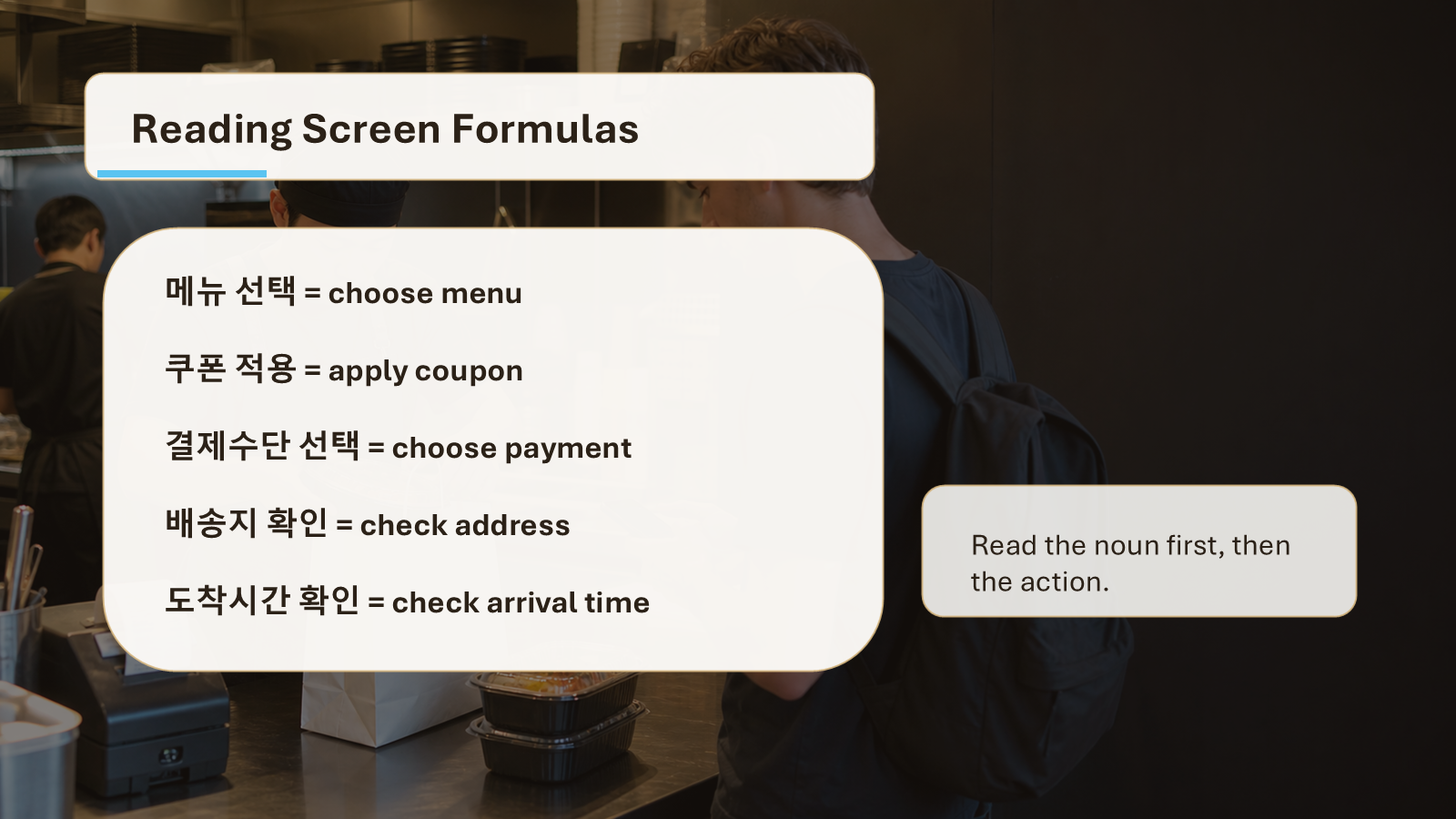
Slide 3. Reading Formulas
Delivery apps often use short labels instead of full sentences. That is helpful for learners. A label tells you what kind of information follows. For example, 메뉴 선택 means menu selection. 쿠폰 적용 means coupon application. 결제수단 선택 asks you to choose a payment method. The pattern is usually noun plus action.
Formula 1: item + 선택
When you see 선택, the app wants you to choose something. It may be a menu, option, address, or payment method.
Formula 2: coupon or discount + 적용
적용 means apply. In delivery apps, it often appears with 쿠폰 or 할인.
Formula 3: delivery + time or fee
도착시간 and 배송비 both change your decision. One affects when you eat. The other affects the final price.
Many labels also combine a noun with a short action word. 확인 means check or confirm. 입력 means enter. 변경 means change. Even if those action words are not in today’s main table, you will often see them next to the selected vocabulary. For example, 배송지 확인 asks you to check the delivery address. 요청사항 입력 asks you to enter a request.
For learners, this formula style is good news. You do not need to read a long Korean sentence to understand the task. Find the main noun first, then read the action after it. If the noun is 결제수단, the app is about payment. If the noun is 도착시간, the app is about timing.
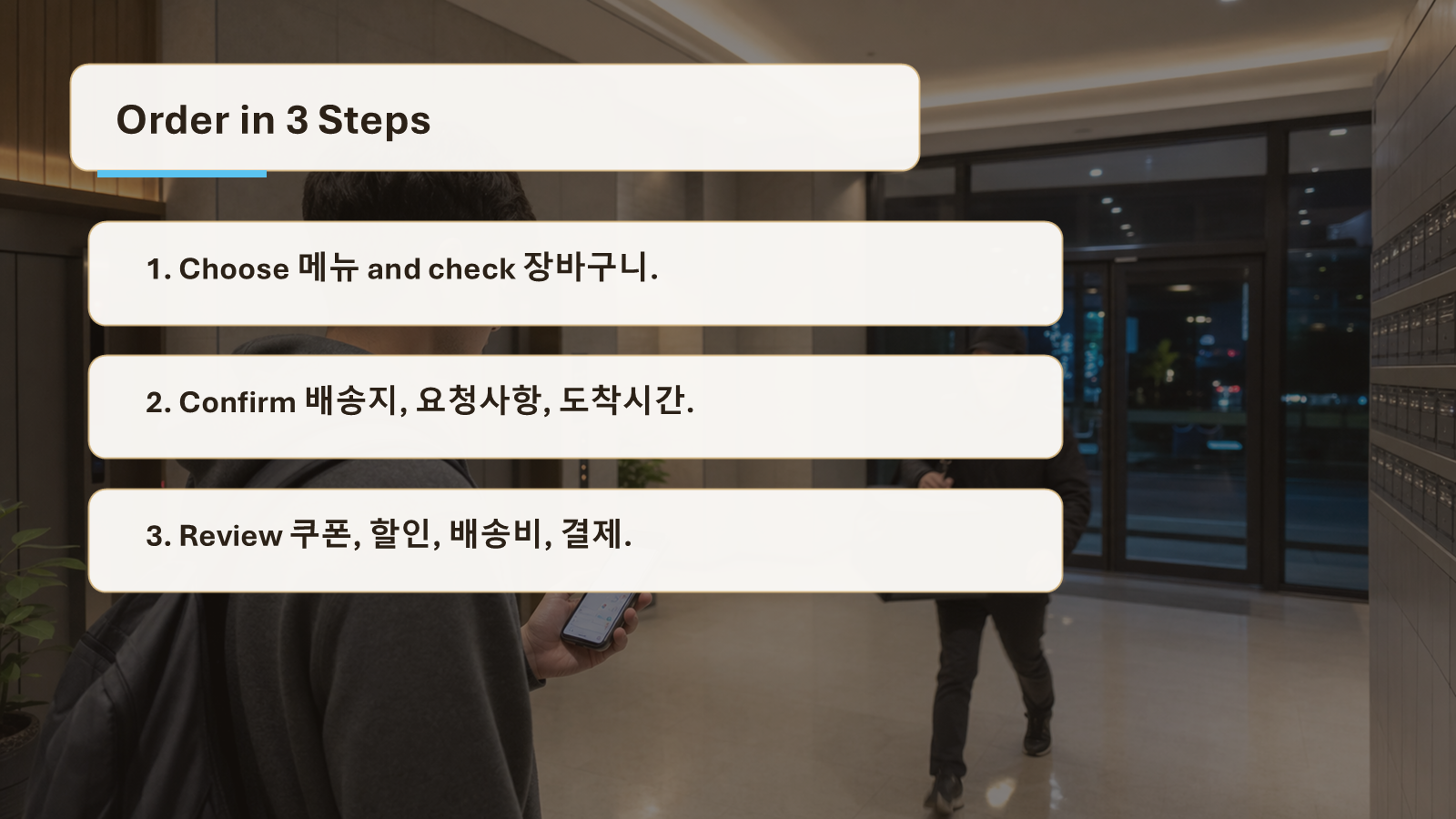
Slide 4. Read Delivery App in 3 Steps
Use this slide when the screen feels crowded. Step one is the food decision. Read 메뉴, then move the item into 장바구니. Do not rush to payment before checking the quantity and options. Step two is the delivery decision. Confirm 배송지, add 요청사항 if needed, and look at 도착시간. Step three is the money decision. Look for 쿠폰, 할인, 배송비, 결제수단, and finally 결제.
This order reduces mistakes because it follows the real order process. Food first, place and time second, money last. If you only memorize words, the screen still feels noisy. If you read by step, the app becomes manageable.
The three-step method also works when the app updates after payment. Once the order is accepted, you will no longer focus on 메뉴 or 장바구니. Your attention moves to 도착시간, delivery status, and possible messages from the rider or restaurant. If something is wrong, read carefully before tapping 취소요청. A request is not the same as a confirmed cancellation.
If you are ordering at night or from a new address, slow down at the delivery detail step. Apartment names, building numbers, and room numbers matter in Korea. A correct 배송지 saves more time than any coupon.
Slide 5. Mistakes and Practice
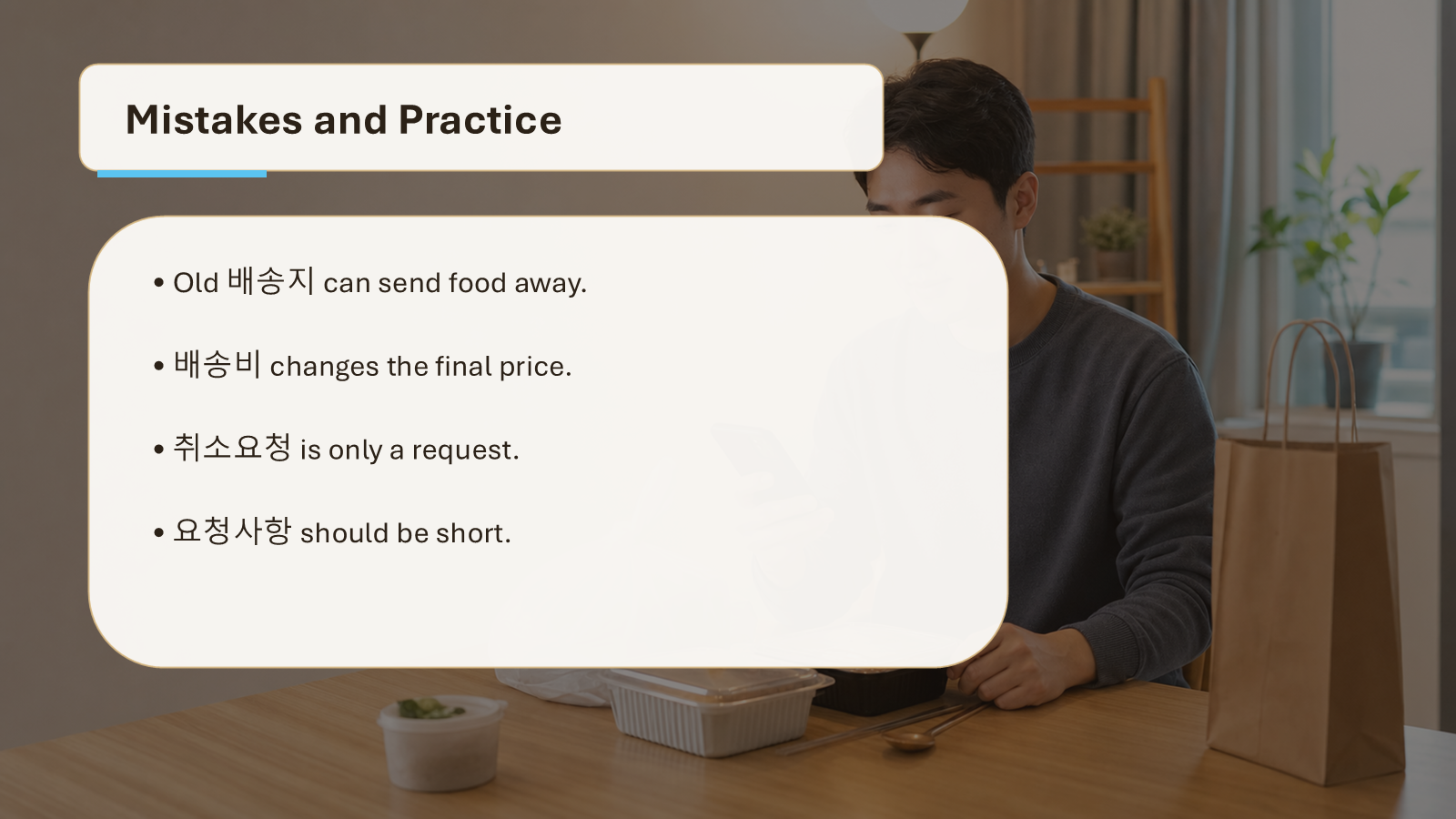
The first common mistake is confusing 배송지 with your current location. The app may save an old address, so always check it before payment. The second mistake is ignoring 배송비. The food price and final price can differ after fees. The third mistake is writing long requests in 요청사항. Keep requests short and practical.
Also, remember that 취소요청 is only a request. It does not always mean the order has already been cancelled. If the restaurant already accepted the order, cancellation may not work. Read the next message carefully before ordering again.
A quieter mistake is missing the difference between a menu price and the final payment price. Delivery apps may add 배송비 after the food is already in the cart. They may also remove a 할인 if the order does not meet a condition. Before you tap the final 결제 button, pause and scan the price area one more time.
For 요청사항, short messages are safer. “No utensils,” “leave at door,” or “less spicy” are the kinds of requests that work well. Long explanations can be misunderstood. If the request is important, use simple wording and check whether the restaurant accepts it.
Practice
Answer these quickly. 1. If you see 결제수단, what should you choose? 2. If you see 배송지, what should you check? 3. If you see 쿠폰 적용, what action is the app offering?
Mini scenario: You order dinner, but the final price is higher than expected. Check 배송비 first. Then check whether a 쿠폰 or 할인 was applied. Answer key: 1. A payment method. 2. The delivery address. 3. Applying a coupon.
Try one more screen-reading routine. Before payment, say the steps in English: food, address, request, price, payment. Then point to the Korean labels that match those steps. This keeps the practice practical and fast.
Mini Review Table
| If you see… | It usually means… | What to do |
|---|---|---|
| 메뉴 / 장바구니 | You are choosing food. | Check the item and quantity. |
| 배송지 / 요청사항 | The app needs delivery details. | Confirm address and short instructions. |
| 쿠폰 / 할인 | A price reduction may be available. | Apply it before payment. |
| 결제 / 결제수단 | You are at the payment step. | Choose how to pay and confirm. |
| 도착시간 / 취소요청 | The order is moving or changing. | Check the status before tapping again. |
Final Takeaway
Korean delivery app words are easiest when you read them as a flow. Choose the food, check the cart, confirm the address, apply discounts, pay, then watch the arrival time. You do not need perfect Korean to order safely. You need to recognize the labels that control food, place, money, and time.